_14e30a.png)
_8126ce.png)


NIM
Administrator
-
Joined
-
Last visited
Everything posted by NIM
-
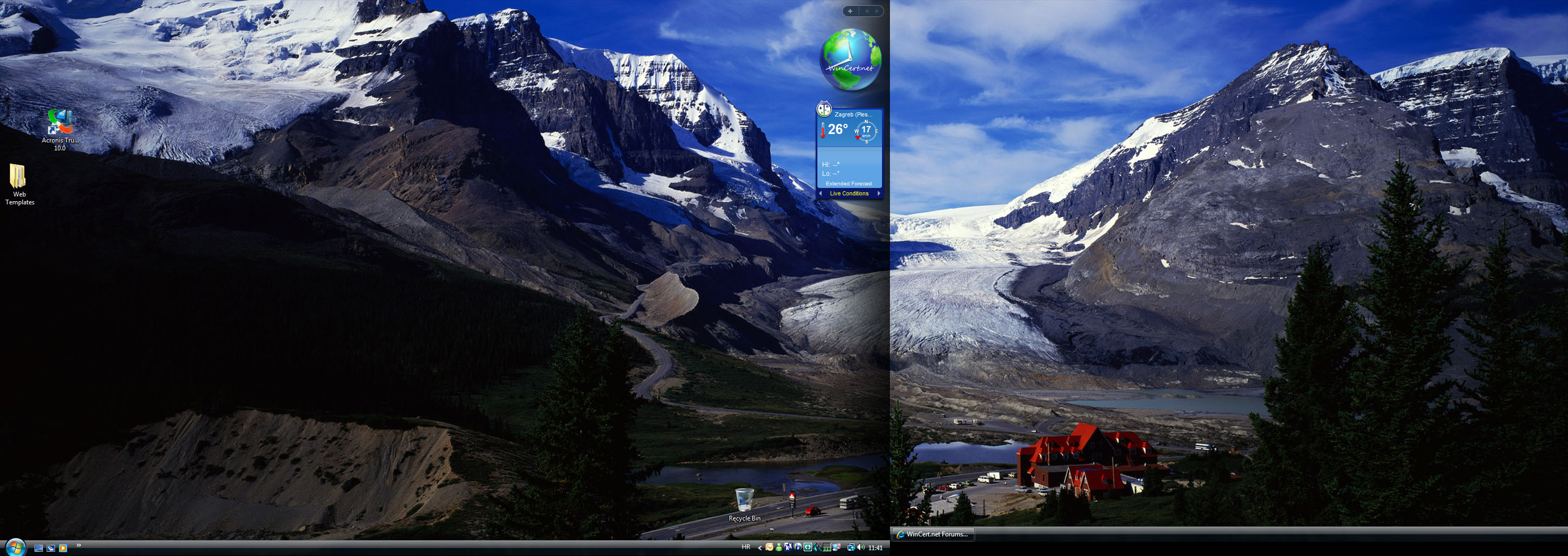
Post 'em guys.. Here's mine dual screen relaxing desktop for this month..

-
I would say Jembal is a winner for May. Anyone else agree?
-
Another skin has landed in the WinCert.net house. This one is for all of the members who don't like current skins selection. The skin is named Luminous and currently is missing the team icons, but they should be finished soon. Enjoy your Lumination on WinCert
-
I've updated the Adobe Logo, I hope you like it Makave
-
New update 06/10/2007. Updated jipb plugin! Updated few board modules! Installed Member Time in Topics module! If you experience any issues regarding this updates, please report it here.. Thx
-
More than 30 people have downloaded this icons cyg. Why did you stop, come on, more ideas please
-
Thx for this mate. :clap:
-
-
No worries bud, you're welcome to have a sig, but please make it static rather than animated. We try to avoid animated avatars and signatures 'cause they're distractive while you read the posts.
-
Upper right dropdown list "Community Links" --> My Controls --> Edit Signature.
-
-
Welcome to the board vodrel, hope that you'll like it here..
-
Try with this patch. WLMUniversalPatcherPlusPlus100.rar
-
Welcome mythloaf :welcome:
-
Thx Arnab, more tuts please
-
Welcome mate, hope that we'll have another good addon maker here
-
You can try with MSFN Hosting I'm currently using. Very cheap, yet very fast. I'm preety much sure you can choose a monthly subscription if you want. Check here: http://www.msfnhosting.com/plans.html 3,95$/month
-
-
Unfortunately I don't user Firefox, but a lot of other guys here does. Maybe somene could help you with this. Until somebody else comes up with the solution I can offer you this: http://kb.mozillazine.org/Lost_bookmarks
-
Yes, I wrote my opinion few days ago here.
-
It's actually possible with this tool: http://www.pcworld.com/downloads/file/fid,...escription.html Unfortunatelly IBM has some special BIOS settings so I couldn't change it..
-
Firstly you need to choose and register a domain name. There are various sites where you can do this. For instance I used http://www.namecheap.com/ to register WinCert.net. The problem usually is that the name you like is probably already taken by someone else. After domain name registration, you're ready to choose your hosting provider where you'll host your web site files. It's not very complicated once you get into it.
-
hello adrpat and welcome to the forums.
-
Welcome to all of you guys and gals, glad that you've decided to join this board. :thumb_yello:
-
You're right babu, but what should I do regarding this?